About
This page allows you to create, change and remove services.
Create a new service
To create a new service, click the "Create" button in the lower right corner:

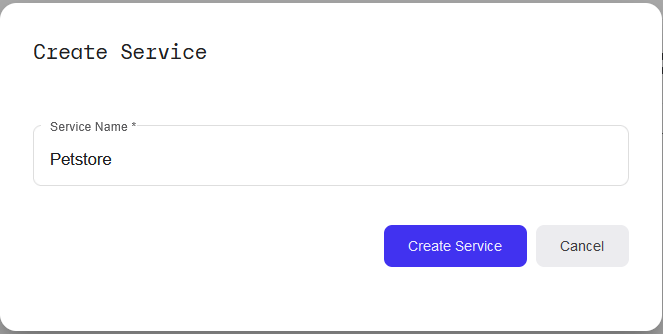
A dialog will pop up with an input field, where you are asked to enter the name of the service:
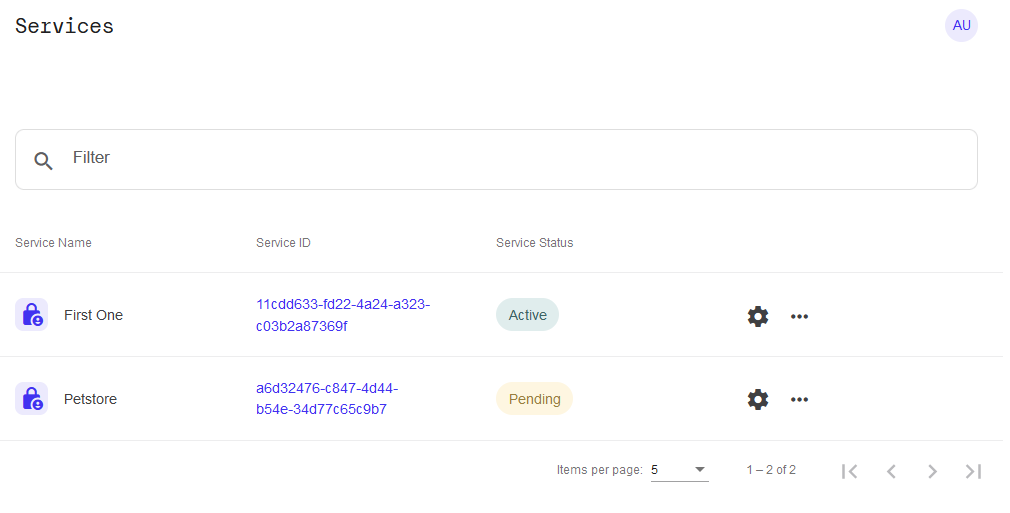
Once you have created one or more services, you will see this list of services available in the current workspace:
Using a service
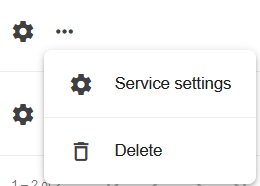
In order to configure a newly created service, click the "Service settings" button in the "..."-popup dialog:
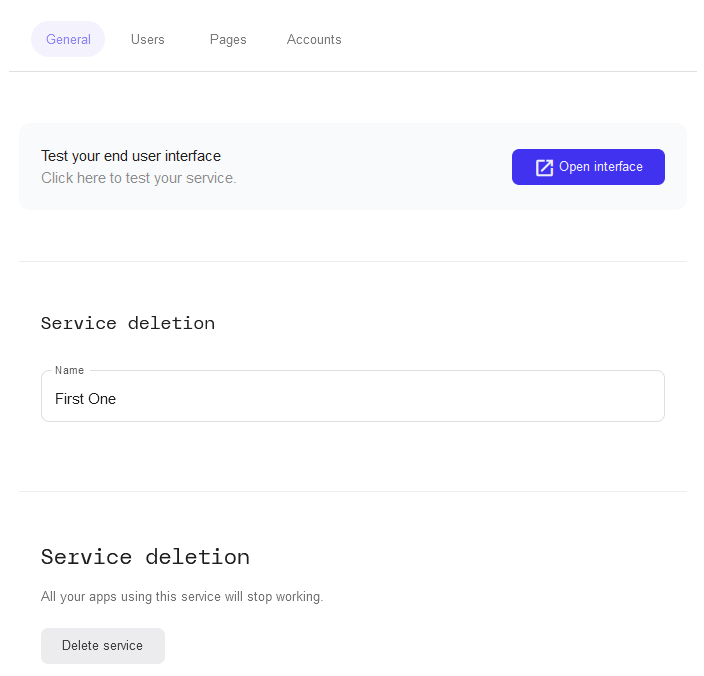
This will open the settings page for that service instance, with the "General" tab selected: